Zoho CRM Pricing 2026: Plans, Costs & Best Edition
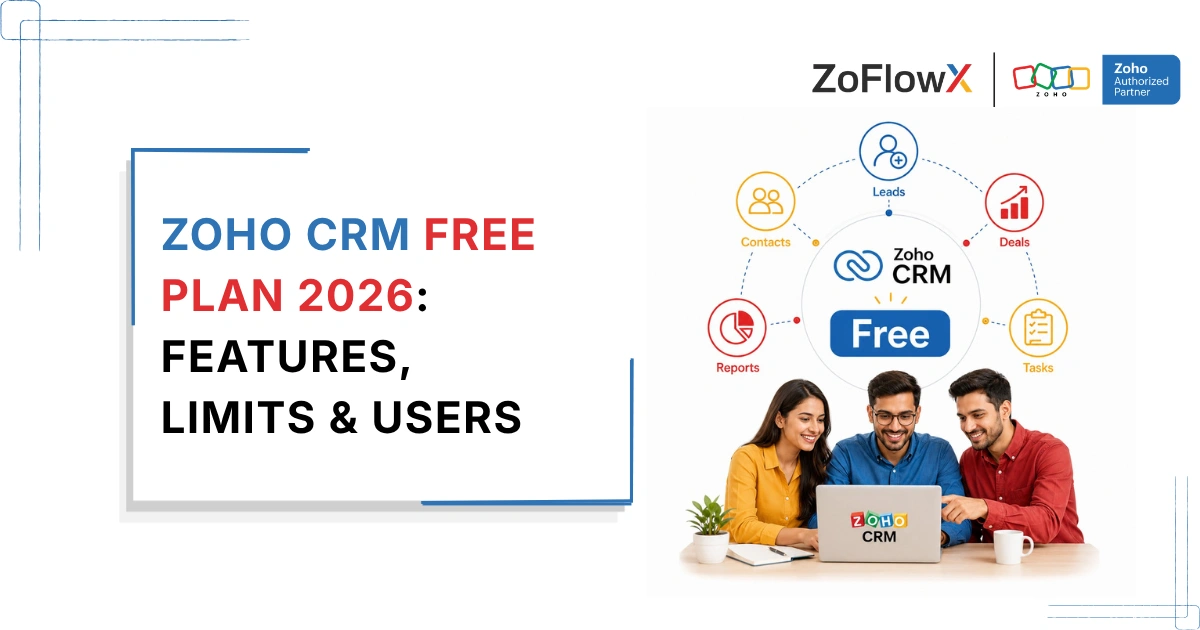
- Zoho CRM offers a Free edition for up to 3 users.
- Paid editions include Standard, Professional, Enterprise, and Ultimate.
- Annual billing costs less per user than monthly billing.
- The best plan depends on your sales process, team size, and feature requirements.
- Your subscription cost may not be your only CRM expense.
- Setup, customization, migration, integrations, and training can create additional project costs.
- The most expensive plan is not automatically the right one.
Zoho CRM pricing starts with a Free edition for up to 3 users, followed by paid plans for businesses that need more automation, customization, process control, and advanced capabilities.
The right Zoho CRM plan depends on what your team actually needs to do inside the CRM. According to ZoFlowX's experience, businesses often pay for features they never use because they choose a plan based on a long feature list instead of their actual sales process.
What Does Zoho CRM Cost in 2026?
Zoho CRM currently offers five main editions: Free, Standard, Professional, Enterprise, and Ultimate.
For India, the current annual prices are ₹800, ₹1,400, ₹2,400, and ₹2,600 per user per month for Standard through Ultimate. Monthly billing costs more, while the Free edition supports up to 3 users. Local taxes may apply.
Zoho CRM Plan | Annual Billing | Monthly Billing | Best For |
Free | Free for up to 3 users | Free for up to 3 users | Basic CRM needs |
Standard | ₹800/user/month | ₹1,300/user/month | Growing teams |
Professional | ₹1,400/user/month | ₹2,100/user/month | Structured sales processes |
Enterprise | ₹2,400/user/month | ₹3,000/user/month | Complex processes and customization |
Ultimate | ₹2,600/user/month | ₹3,200/user/month | Advanced requirements and higher limits |
These prices are based on Zoho's current India pricing and can change. Always confirm the latest pricing before purchasing.
Is Zoho CRM Free?
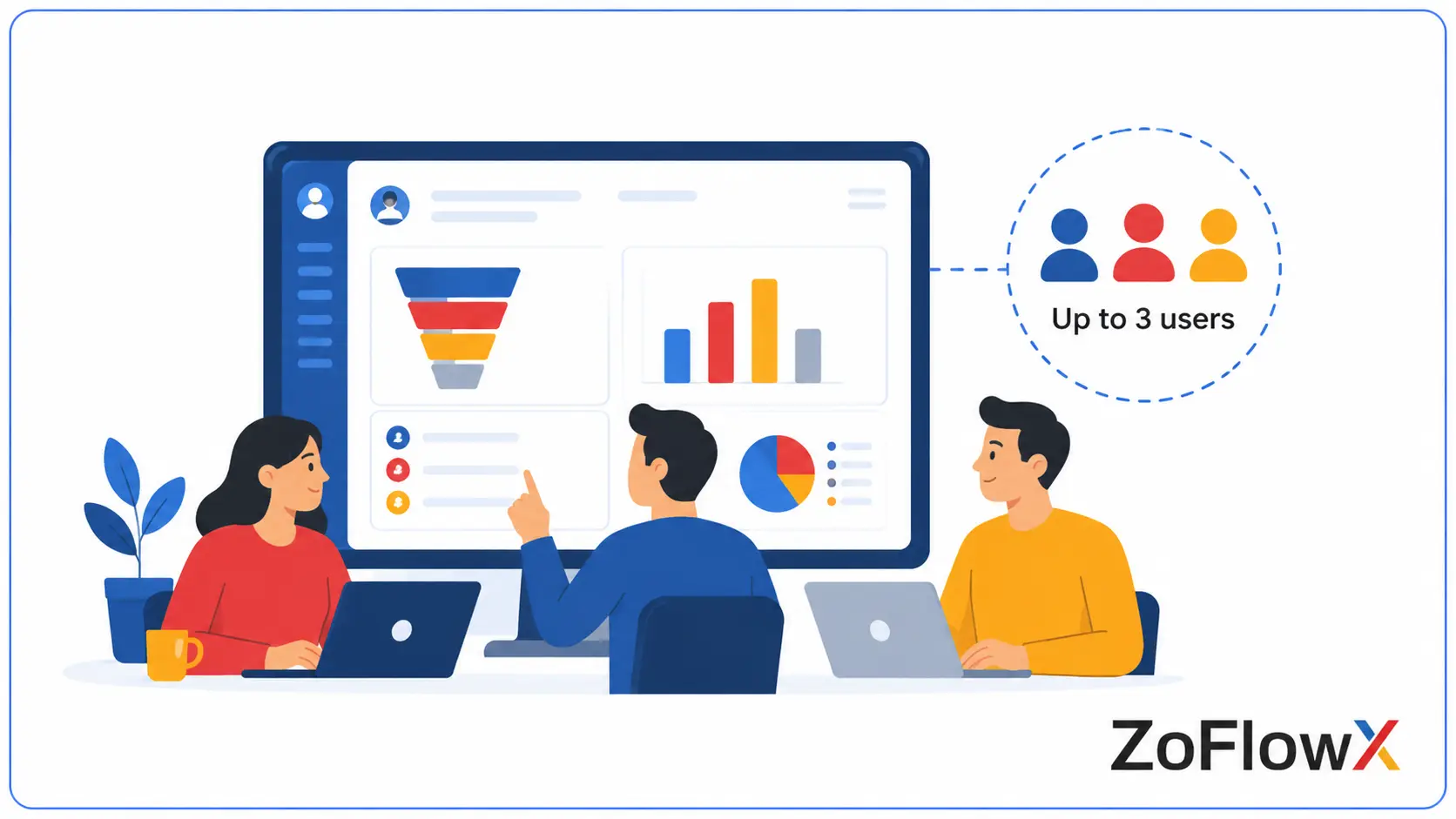
Yes. Zoho CRM has a Free edition for up to 3 users. If you want to understand its features and limitations in more detail, see our guide to Zoho CRM Free before deciding whether you need a paid plan.
It includes core CRM functions such as lead, contact, and deal management, sales activities, reports, mobile access, workflow capabilities, and API access within the limits of the Free edition.
The Free plan can work well if your team is small and your sales process is simple.
However, as your team grows, you may need more customization, automation, reporting, or process management than the Free edition provides.
What Do You Get With the Standard Plan?
The Standard edition is designed for businesses that have outgrown a basic CRM setup and need more structure.
It adds capabilities for stronger sales automation, follow-up management, reporting, forecasting, and customization compared with the Free edition.
Who Should Consider Standard?
Standard may be suitable if:
- Your team has outgrown spreadsheets or a basic CRM.
- You need more structured follow-ups.
- You want stronger reporting and sales visibility.
- You need additional automation.
- Your sales process is growing but is not yet highly complex.
For many small businesses, Standard can be a practical next step when the Free edition starts feeling restrictive.
What Makes the Professional Plan Different?
Professional is better suited to businesses with more structured sales operations.
It adds capabilities for areas such as process management, inventory, CPQ, and other advanced sales functions.
Who Should Consider Professional?
Professional may make sense if you:
- Manage a more detailed sales process.
- Work with products, quotes, or inventory.
- Need stronger process controls.
- Have sales activities that require more structure.
The important question is not whether Professional has more features.
The better question is whether your current plan is preventing your team from managing the process properly.
When Does Enterprise Make Sense?
Enterprise is aimed at businesses with more complex CRM requirements.
It provides deeper customization, more advanced controls, territory management, custom functions, and additional capabilities for larger or more complex sales operations.
Who Should Consider Enterprise?
Enterprise may be suitable if:
- Multiple teams use the CRM.
- Sales processes differ by territory or business unit.
- You need deeper customization.
- Your CRM requires advanced workflows or controls.
- Your business process cannot be managed effectively in the lower editions.
A growing company does not automatically need Enterprise.
The need should come from the complexity of the process, not simply the number of employees.
Who Is the Ultimate Plan For?
Ultimate is Zoho CRM's highest edition.
It includes Enterprise-level capabilities along with higher feature limits and additional services and advanced capabilities. Zoho also highlights consulting and migration assistance as part of the Ultimate offering.
For many small businesses, Ultimate may provide more than they currently need.
It makes more sense when you have already identified a specific limitation in Enterprise.
Is Monthly or Annual Billing Better?
Annual billing is currently cheaper per user than monthly billing.
For example, Standard is currently listed at ₹800 per user per month when billed annually and ₹1,300 per user per month when billed monthly. The same general pattern applies to the other paid editions.
Annual Billing May Be Better If:
- You already know which plan you need.
- Your team size is relatively stable.
- You expect to use Zoho CRM for the long term.
- You want the lower effective monthly cost.
Monthly Billing May Be Better If:
- You are still testing the platform.
- Your team size may change soon.
- You are unsure which edition fits your requirements.
- You want more flexibility before committing for a longer period.
The cheapest option is not always the best option. The billing cycle should match how certain you are about your requirements.
How Much Will a Small Business Actually Pay?
Your subscription cost mainly depends on:
- The edition you choose.
- The number of paid users.
- Whether you choose monthly or annual billing.
A simple estimate is:
Number of users × price per user × billing period
For example, five users on Standard will cost differently from ten users on Professional.
But the subscription is only one part of the overall investment.
Are There Any Costs Beyond the Zoho CRM Subscription?
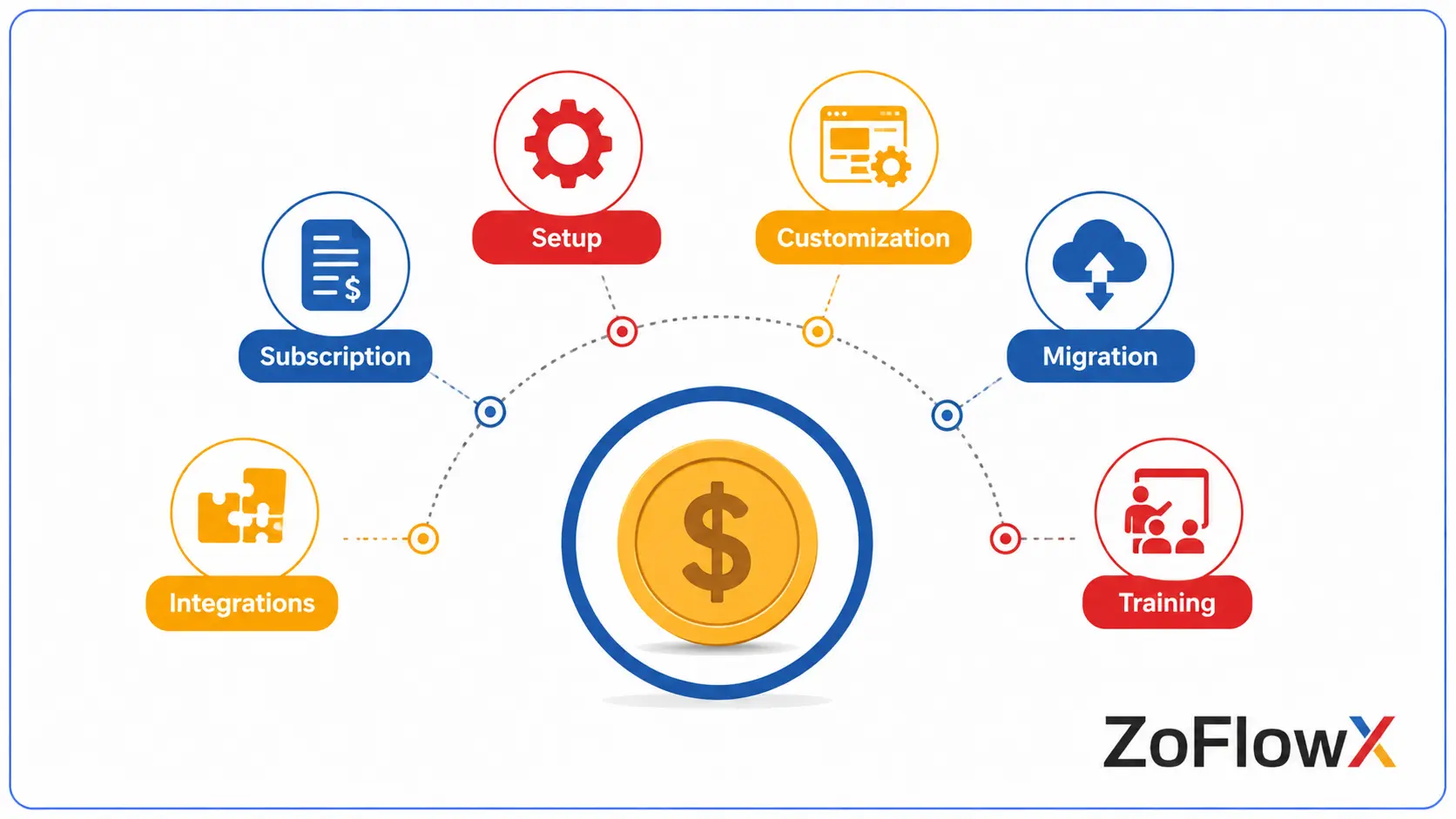
Possibly.
Depending on your business, you may also need help with:
- Initial setup
- Process planning
- Custom fields or modules
- Workflow automation
- Data migration
- Integrations
- User training
- Ongoing support
Not every business needs all of these services.
A small team with a simple process may be able to start with minimal setup. A business moving large amounts of data or building a complex CRM workflow may require more implementation work.
If your business needs help planning and building the CRM around its actual workflow, you can also explore our CRM implementation service.
Which Zoho CRM Plan Is Best for a Small Business?
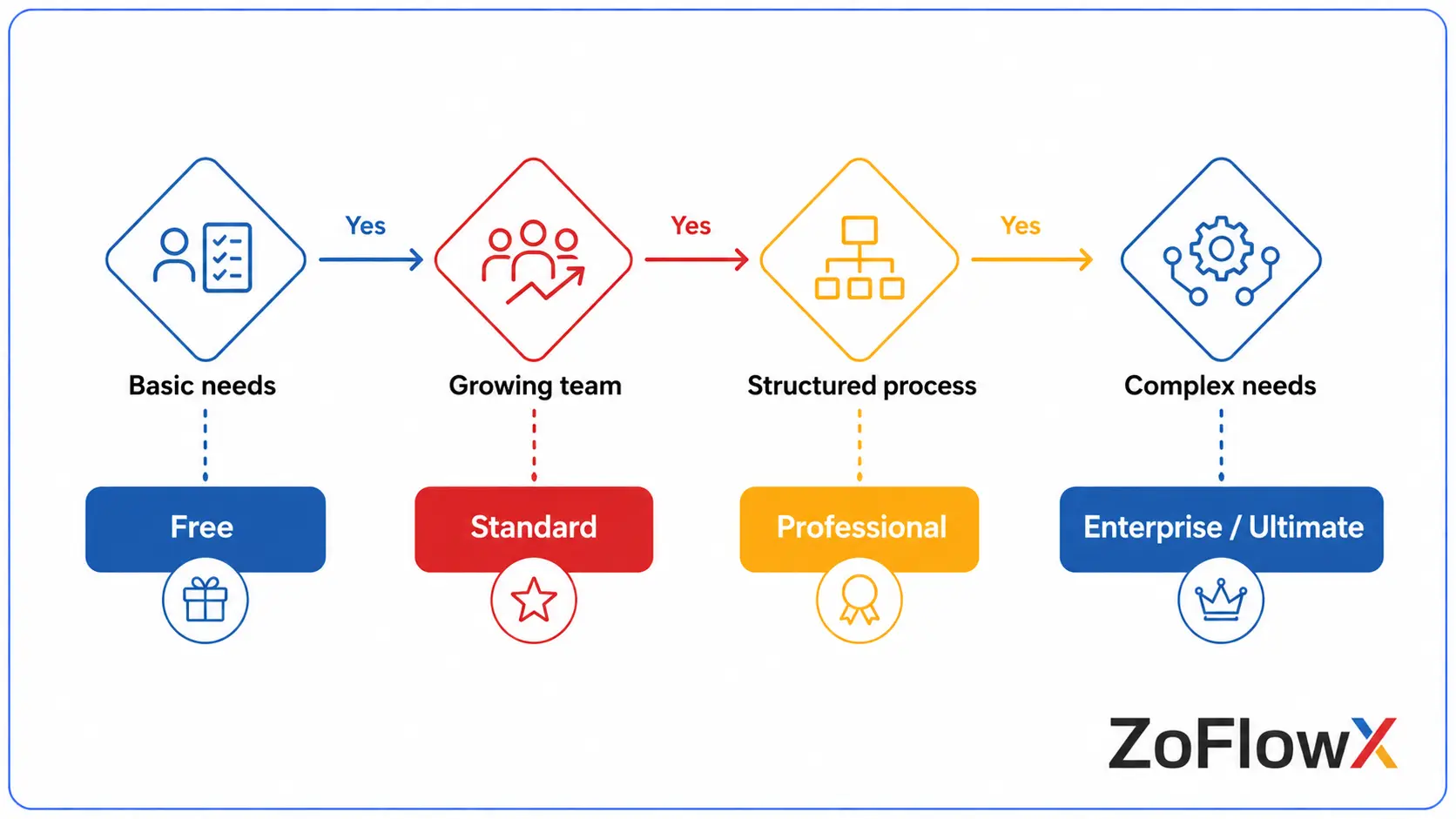
Use this as a simple starting point:
If Your Situation Is… | Consider |
Up to 3 users with basic CRM needs | Free |
Growing team needing more automation and reporting | Standard |
Structured sales processes, quotes, or inventory | Professional |
Complex processes and deep customization | Enterprise |
Advanced requirements and higher limits | Ultimate |
According to ZoFlowX's experience, the safest approach is usually to choose the lowest edition that properly supports your current process.
You can upgrade when your business has a real need for additional capabilities.
How Do You Know When It Is Time to Upgrade?
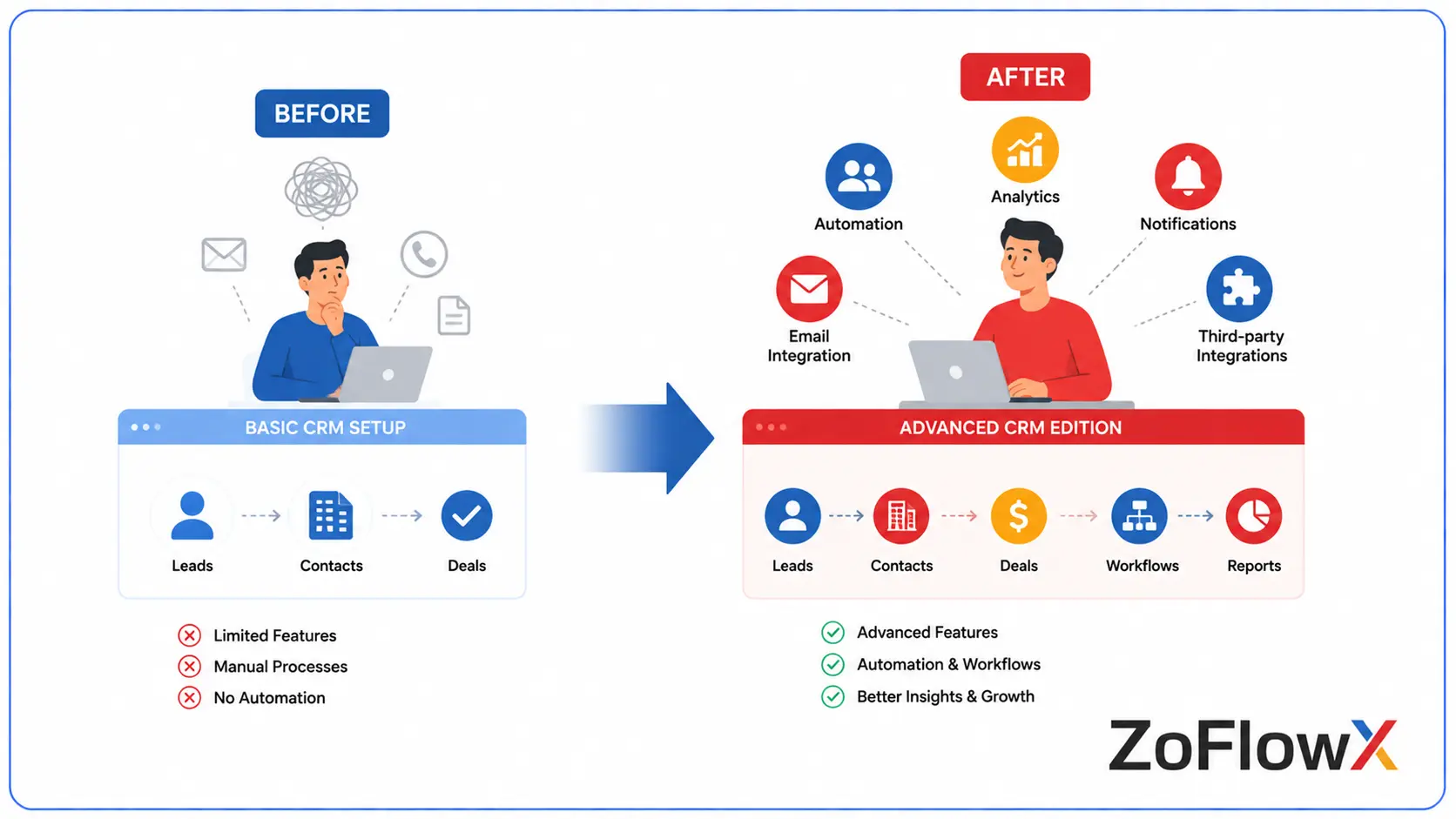
You may need a higher edition when your current plan creates a real limitation.
For example:
- You need features that are not available in your current edition.
- Your sales process has become more complex.
- Your reporting needs have increased.
- You need additional customization.
- Your team structure has changed.
- You need more advanced automation or controls.
Do not upgrade simply because a higher plan has an impressive feature list.
Upgrade when a missing capability is slowing down your team or preventing you from managing your process properly.
Is Zoho CRM Worth the Price?
Zoho CRM can be worth the price if the edition you choose solves a real business problem.
A CRM can help your team track leads, manage deals, reduce manual work, and keep customer information organized. But paying for features your team does not need will not automatically create more value.
Before choosing a plan, ask:
- What problem are we trying to solve?
- How many people actually need CRM access?
- Which features do we need now?
- Which features can wait?
- How much manual work are we trying to reduce?
- Will our current process require customization?
You should also consider the platform's strengths and limitations before making a decision. Our guide to Zoho CRM's advantages and drawbacks can help you look at the platform from both sides.
Can You Try Zoho CRM Before Paying?
Yes. Zoho offers a Free edition, and its paid editions can also be evaluated through a free trial. Zoho's support documentation currently states that paid editions have a 15-day free trial.
Do not test the CRM only by clicking through sample records.
Try a real workflow:
- Add a lead.
- Assign it to a salesperson.
- Track follow-up activity.
- Move the lead through your sales process.
- Create a report.
- Check whether your team can use the system comfortably.
This gives you a better idea of whether the plan fits your business.
What Is the Best Way to Choose a Zoho CRM Plan?
Start with your process, not the pricing table.
Write down what your sales team needs to do inside the CRM today. Then identify which features are necessary to support that process.
A simple decision path looks like this:
Basic CRM needs → Free
Growing team + stronger automation and customization → Standard
Structured processes, quoting, inventory, and advanced operations → Professional
Complex teams and deep customization → Enterprise
Enterprise-level requirements with higher limits and advanced capabilities → Ultimate
This approach can help you avoid two expensive mistakes: buying too little and having to rebuild your process later, or paying for features you never use.
Conclusion
Zoho CRM pricing is not simply about choosing the cheapest or most feature-rich edition. The better choice is the plan that supports your current sales process without making you pay for capabilities you do not need.
The Zoho CRM pricing structure gives businesses room to start small and move to a higher edition as their requirements change. Before purchasing, compare your team size, sales process, automation needs, customization requirements, and possible implementation work.
If you need help choosing the right edition, contact ZoFlowX at +91 8190009222 or info@zoflowx.com.
Choose the plan based on what your business actually needs today—and you will have a much better foundation for the way it grows tomorrow.
Not Sure Which Plan Could Cost You More?
Choose the wrong Zoho CRM edition now, and you may end up paying again to fix the decision later.
HELP ME CHOOSE THE RIGHT ZOHO CRM PLANFrequently Asked Questions
How much does Zoho CRM cost?
Zoho CRM currently offers a Free edition for up to 3 users. In India, annual pricing currently starts at ₹800 per user per month for Standard, ₹1,400 for Professional, ₹2,400 for Enterprise, and ₹2,600 for Ultimate. Monthly pricing is higher, and local taxes may apply.
Is Zoho CRM really free?
Yes. Zoho CRM has a Free edition for up to 3 users. It includes core CRM capabilities for managing leads, contacts, deals, activities, reports, mobile access, and selected automation features within the edition's limits.
Which Zoho CRM plan is best for a small business?
There is no single best plan for every small business. Free may suit very small teams with basic needs, while Standard may work for growing teams that need stronger automation. More complex sales processes may require Professional or Enterprise.
Is annual billing cheaper than monthly billing?
Yes. Zoho's current pricing shows lower per-user monthly costs when billed annually compared with monthly billing.
Does Zoho CRM pricing include implementation?
The Zoho CRM subscription and implementation work are separate considerations. Depending on your requirements, implementation may involve setup, customization, data migration, integrations, training, or ongoing support.