What Is Zoho Catalyst 3.0? How AI Can Build and Launch Things for You
Be honest. How many times have you asked an AI tool for help with work, got a really good answer, and then still had to do everything yourself?
It tells you what to do. It writes the plan. But somebody still has to go and actually set it all up. A lot of people feel that gap. And Zoho just tried to close it with Catalyst 3.0.
What is Zoho Catalyst?
Let's start with the basics. Zoho Catalyst is Zoho's cloud platform for building custom software. Think of it like one big toolbox. The screens people see, the logic running behind them, the place where data is stored, the AI parts, and the launch itself, all in one place with one bill.
Earlier, most people thought of it as something only tech teams care about. Version 3.0 changes that picture. It's the biggest update Catalyst has ever had, and the big idea is that it's now "agent-ready."
What does agent-ready mean?
It sounds fancy, but it's simple. An AI agent is an AI that doesn't just talk, it actually does things. Agent-ready means Catalyst is built so those AI tools can plug in and do the work, not just give you suggestions.
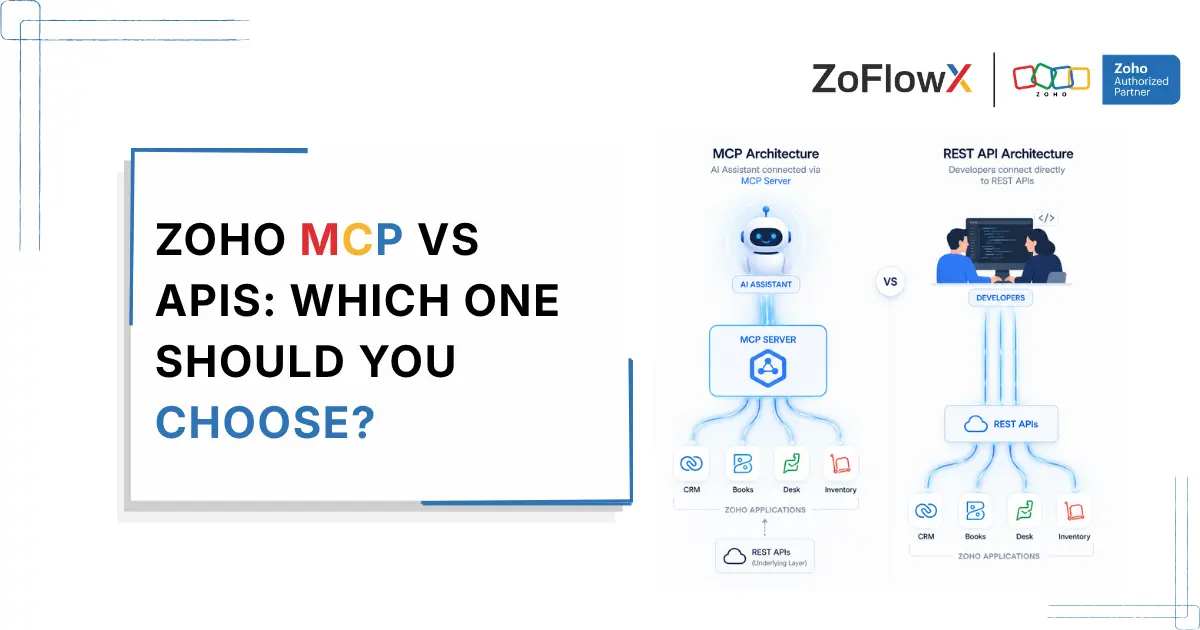
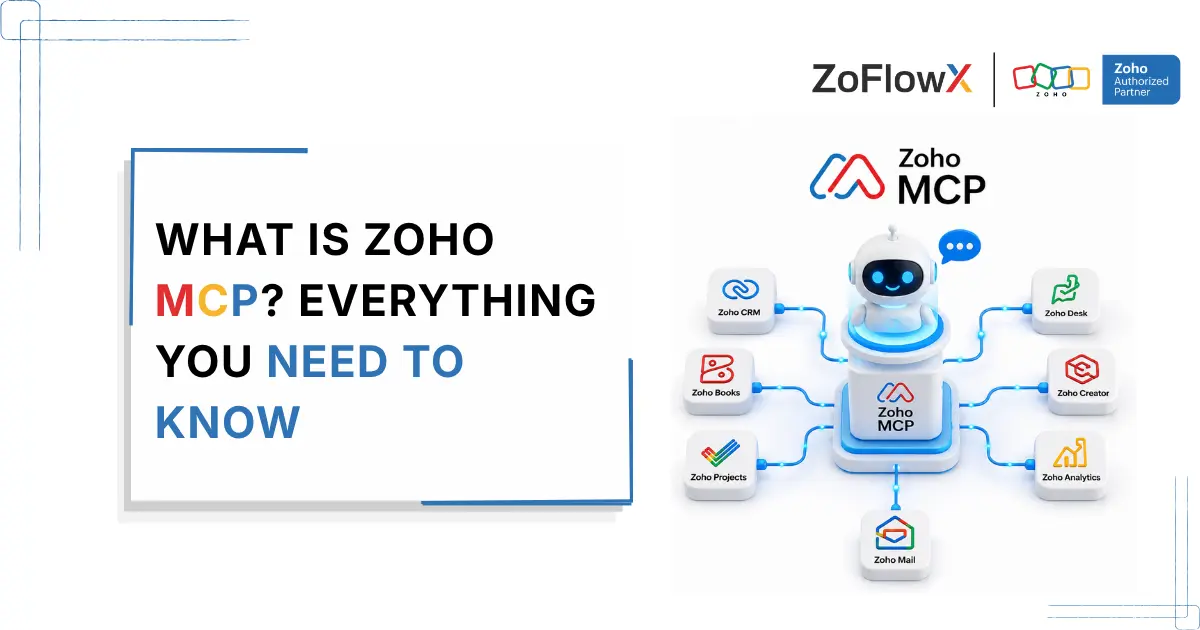
Zoho made this happen using something called MCP( Model Context Protocol ). It's an open standard, and you can think of it like a universal charger. Different AI tools, one plug. Tools like Claude, Codex, Gemini and Cursor can connect to Catalyst and set up databases, add login security and put the finished app live. For real, not just inside a chat window.
On top of that, Zoho added "agent skills." That just means the AI tools already understand how Catalyst works. They pick the right pieces and get it right the first time, without someone explaining every single step.
What does this look like in real life?
Let's say you run a distribution company. Your team lives inside Zoho CRM, but you need a custom approval step for big orders, and Zoho doesn't have it out of the box. Earlier, you'd wait in a long queue for someone to build it. With Catalyst 3.0, that extra piece can be built and added to your Zoho setup a lot faster, with an AI agent doing much of the heavy lifting.
But is it safe?
Fair question. Letting AI build things inside your systems sounds a little scary. Zoho knows that, so some rules are built in.
The AI gets its own limited permissions, so it can only touch what you allow. Risky commands are switched off when it works on its own. Everything it does is recorded, so you can always check who did what and when. And if something goes wrong, changes can be rolled back. It's like giving a new person a visitor badge instead of the master key.
Zoho also says that with these skills and MCP, AI tools finish 90 to 95 percent of tasks, up from 25 to 55 percent. Those are Zoho's own numbers though, so take them as a good sign, not a promise.
One more thing people like is Zero egress fees. In simple words, you don't pay extra just because more people use your app and more data moves around. If you've ever been shocked by a cloud bill, you know why this matters.
Who is this really for?
If you already use Zoho CRM, Books or Desk, this is the part for you. Catalyst lets you stretch them to do things they can't do on their own. If you've been curious about AI but nervous about where to start, this is a pretty good example of AI that actually acts, with guard rails around it. And if there's a boring task your team repeats every week, this is how it can finally get automated.
How zoflowx can help
AI is moving from "here's some advice" to "I've done it for you." Catalyst 3.0 is one of the clearest examples of that shift, and it's built with control in mind. If you want to read more, you can check Zoho's official Catalyst 3.0 page.
But a platform is only half the story. The other half is setting it up the right way. That's where ZoFlowX comes in. We're a Zoho authorized partner, and we help you figure out if Catalyst is right for what you need. Sometimes it is, sometimes it isn't, and you'll get a straight answer from us. Then we help you set it up, connect it to your Zoho apps and keep it safe.
Thinking about Catalyst 3.0 for your company? Just call the ZoFlowX team on +91 8190009222 or drop a mail to info@zoflowx.com, and let’s turn your idea into something that actually works.