Can You Switch Zoho Partners During an Implementation?
- Yes, you can switch from one Zoho partner to another while your Zoho implementation is still in progress.
- Before switching, review your account access, existing configurations, custom work, integrations, and pending tasks.
- A proper handover helps the new partner understand what can be continued, fixed, or rebuilt.
- Your Zoho account and subscription remain with your organization, but integrations and permissions should be reviewed carefully.
- Choosing the next partner carefully is important to avoid repeating the same implementation problems.
Yes, you can switch from one Zoho partner to another while your Zoho implementation is still in progress. You do not have to continue with a partner if communication has broken down, deadlines keep slipping, or the setup is not meeting your agreed requirements.
The important part is managing the handover properly. Before switching, review your Zoho account access, existing configurations, custom work, integrations, documentation, and unfinished tasks.
Why Do Businesses Switch Zoho Partners During Implementation?
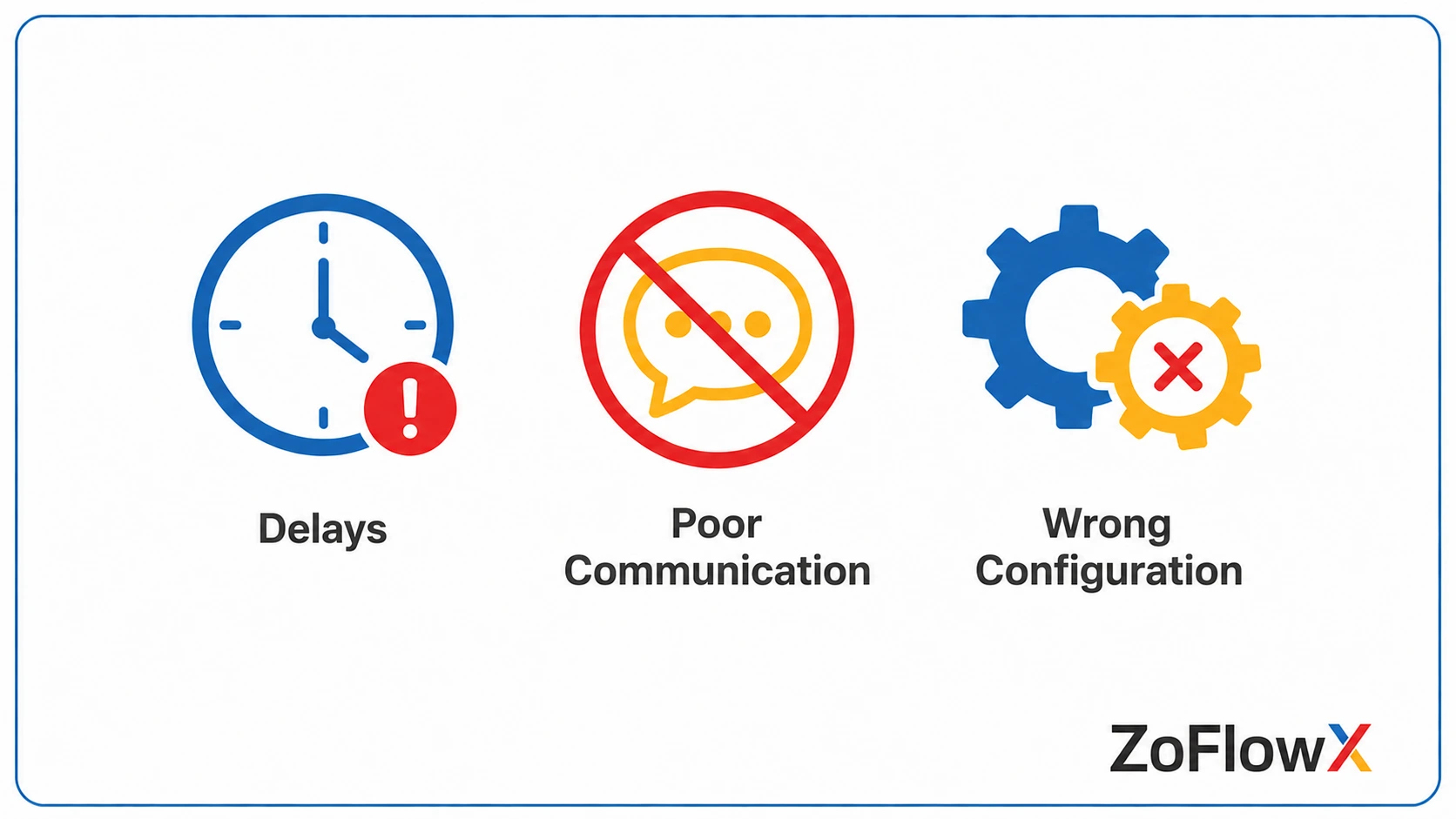
Businesses usually do not change partners without a reason. In most cases, something has gone wrong during the implementation.
- Repeated delays without a clear explanation
- Poor communication or unanswered questions
- Configurations that do not match the agreed business process
- Unexpected changes to cost or scope
- Missing documentation
- Unfinished migration, automation, or integration work
- A lack of support after the initial setup
If you are experiencing several of these problems, it may be worth reviewing whether your current implementation approach is still working.
Is Switching Your Zoho Consultant Allowed?
According to Zoho's partner mapping process, customers can associate their account with a partner and manage their partner relationship through their Zoho account.
Your Zoho subscription and business data remain connected to your organization. However, before changing partners, you should review account ownership, administrator access, third-party integrations, custom connections, and any work created by the existing partner.
A partner change generally means:
- Your Zoho subscription continues.
- Your business records remain in your Zoho account.
- Existing configurations can be reviewed by the new implementation team.
- Some integrations or custom connections may need to be re-authorized or documented.
- The new partner may need time to understand the existing setup before continuing.
The safest approach is to review the current system before making major changes.
How Do You Switch to Another Zoho Partner Mid-Implementation?
To switch Zoho partners during implementation, first document the work already completed. Then review your account access, configurations, custom scripts, integrations, and unfinished tasks. A new partner can audit the existing setup, identify gaps, and create a clear plan for completing or rebuilding the implementation.
Step 1: Document What Has Been Done
Before ending the relationship with your current partner, collect as much information as possible.
This may include:
- Workflow and automation documentation
- Custom modules and fields
- Blueprint settings
- Data migration records
- Deluge scripts
- Integration details
- Reports and dashboards
- A list of completed and pending tasks
The more information you have, the easier the handover will be.
Step 2: Review Your Zoho Account Access
Make sure your organization has the necessary administrator access.
Also review who currently manages:
- Connected applications
- API connections
- Email integrations
- Payment systems
- Third-party software
- Custom authentication credentials
This step is important because some connections may need to be reviewed or re-authorized after the handover.
Step 3: Request a Configuration Audit
Before the new partner starts making changes, ask them to review the existing setup.
A proper audit should identify:
- What is already working
- What is incomplete
- What is incorrectly configured
- What can be retained
- What needs to be rebuilt
This can prevent the new team from repeating unnecessary work.
What Should You Collect Before Leaving Your Current Partner?
Before switching, try to collect the information that explains how your Zoho system has been built.
Ask for:
- Administrator access to your Zoho account
- Workflow and automation documentation
- Details of custom scripts
- Integration information
- Data migration records
- Open issues and unresolved bugs
- Project scope and agreed deliverables
- Details of work that is still pending
If documentation is limited, the new partner may need to spend additional time reviewing the system.
That is why proper documentation should always be part of planning your Zoho implementation. It makes future maintenance, troubleshooting, and handovers much easier.
What Does a Good Zoho Implementation Handover Look Like?
A good handover should not begin with the new partner immediately changing your system.
They should first understand your business process and the work already completed.
A structured handover usually includes:
- Reviewing the current Zoho setup
- Understanding the original project scope
- Identifying missing or incorrect configurations
- Checking custom scripts and integrations
- Creating a list of work that can continue
- Identifying anything that needs to be rebuilt
- Agreeing on a revised timeline
For example, your previous partner may have completed the CRM structure correctly but failed to finish automation and reporting. In that case, rebuilding the entire system may not be necessary.
The new partner should first understand what can be saved.
How Do You Choose the Right Zoho Partner After a Failed Implementation?
This is an important decision because switching partners without asking the right questions can create another problem.
Look at more than the price.
Consider:
- Their experience with the Zoho products you use
- Whether they have handled implementation handovers before
- How they document their work
- How they manage changes in scope
- Their communication process
- The support available after go-live
Ask directly whether they have taken over an incomplete Zoho implementation before.
You can also ask:
“What would you review before making changes to our existing Zoho setup?”
A good implementation team should not promise an instant solution without first understanding the system.
If you are considering getting help with Zoho setup, it is worth knowing what type of support you actually need before choosing a new consultant or implementation partner.
What Happens to Your Data When You Switch Partners?
Switching Zoho partners does not normally mean moving your business data from one account to another. Your records remain within your Zoho organization. However, account permissions, integrations, custom connections, and unfinished work should be reviewed carefully during the handover.
Your existing records, contacts, deals, reports, and other configurations can remain available in your Zoho account.
However, you should check whether the previous partner created:
- Third-party integrations
- Custom API connections
- External authentication
- Custom scripts
- Applications connected to accounts outside your organization
These areas may require additional review.
Can a New Partner Fix a Failed Zoho Implementation?
Yes, but the first step should be understanding what actually failed.
Sometimes the system only needs corrections. In other cases, parts of the implementation may need to be rebuilt.
For example, a CRM may have the correct modules and data but poorly designed automation. Fixing the automation could be enough.
In a more serious situation, the original implementation may not match the company's sales or service process at all. That could require a larger redesign.
The new partner should explain clearly what they recommend keeping, fixing, or rebuilding before starting the work.
Should You Compare a Zoho Partner With Direct Zoho Support?
Before choosing your next approach, it can help to understand the difference between working with a partner and using direct support.
The right option depends on the type of help you need.
If your business requires configuration, customization, migration, integrations, or process design, implementation support may involve more than standard product assistance.
Understanding Zoho partner versus direct support can help you decide which route fits your situation before making another commitment.
What Should You Ask a New Zoho Partner Before Signing?
Before selecting a replacement partner, ask practical questions.
Questions to Ask
- Have you taken over an incomplete Zoho implementation before?
- How do you review an existing Zoho setup?
- What documentation will you provide?
- How will you handle work that needs to be rebuilt?
- Who will manage communication during the project?
- How are scope changes handled?
- What support is available after go-live?
The answers can tell you a lot about how the partner works.
A good partner should be comfortable explaining their process clearly.
What Should You Do If Your Current Zoho Partner Is Not Delivering?
Do not rush into switching without understanding the current situation.
First, document the problems. Then collect the information available about the existing implementation.
Next, have the system reviewed so you understand:
- What has actually been completed
- What remains unfinished
- Whether the existing work can be used
- What needs correction
- How much time the remaining work may require
If you need another team to review the situation, ZoFlowX's Zoho experts can help you understand the current setup and determine what should happen next.
Conclusion: Can You Switch to a Zoho Partner Mid-Project?
Yes. You can switch to another Zoho partner while your implementation is still in progress.
The most important step is not simply finding a new partner. It is understanding what has already been built, protecting access to your account, reviewing integrations and custom work, and creating a clear plan for the remaining implementation.
If your current project is delayed, incomplete, or no longer meeting your requirements, take time to assess the situation before making the next decision.
Contact ZoFlowX at +91 8190009222 or info@zoflowx.com to discuss your current Zoho implementation and understand the options available to you.
A difficult implementation does not have to remain a failed one. The right review and the right team can help you regain control and move the project forward with a clear plan.
Don't Let a Bad Zoho Implementation Cost You Twice
Get your existing setup reviewed before more time and money are lost.
Review My Zoho ImplementationFrequently Asked Questions
Can I switch my Zoho partner in the middle of an implementation?
Yes. You can change your Zoho partner while an implementation is still in progress. Before doing so, review your account access, existing configurations, integrations, custom work, and project documentation to ensure a smooth handover.
Will switching Zoho partners delete my data or settings?
Your business data remains within your Zoho organization. However, integrations, custom connections, permissions, and external services should be reviewed carefully during the handover.
How do I prepare for switching Zoho partners?
Document the work already completed, review administrator access, collect available documentation, identify unfinished tasks, and ask the new partner to review the existing configuration before making major changes.
How long does a Zoho partner handover take?
A simple handover may take a short time, while a more complex implementation can take longer. The timeline depends on how much work has already been completed and whether any part of the system needs to be rebuilt.
What is a Zoho configuration audit?
A configuration audit is a review of your existing Zoho setup. It can identify what is working, what is incomplete, what is incorrectly configured, and what may need to be rebuilt.
Can a new partner continue work started by another partner?
Yes, provided the new partner can access and understand the existing setup. A review should be completed first to determine which configurations can be retained and which need changes.
What should I collect from my old Zoho partner?
Try to collect project documentation, workflow details, custom scripts, integration information, migration records, open issues, and a list of completed and pending work.
Will changing partners affect my Zoho subscription?
Your subscription remains connected to your Zoho organization. However, you should confirm the current account, billing, and partner arrangements before completing the change.
How do I avoid choosing the wrong Zoho partner again?
Look beyond price. Check product experience, implementation process, communication, documentation, support, and experience handling projects similar to yours.